on
Submitting to FAccT 2026
We’re thrilled you’re interested in submitting to the 2026 edition of the ACM Conference on Fairness, Accountability, and Transparency, or FAccT!
The review platform is now open for submission!
If you’ve submitted to FAccT before, there’s two key differences this year:
- We’ve added a new required Generative AI Usage Statement to the Endmatter (i.e., the extra pages at the end of the paper not included in the 14 page limit) describing whether and how you used generative AI to prepare the manuscript; however, please note that FAccT prohibits the use of generative AI to wholesale generate text for use in manuscripts. Even if you didn’t use generative AI in writing or preparing the manuscript, you must still include this statement in the Endmatter stating this. See the Author Guide for more details on this section.
- We’re using OpenReview for the submission and review platform. We will explain more about how to submit to OpenReview below, but please note, all authors need to have an OpenReview profile to submit. If you do not have an institutional email** (e.g., via a university, industry lab, nonprofit), OpenReview may take up to 2 weeks to authenticate your email. If this applies to you, you are strongly recommended to create an OpenReview profile ASAP, or by 12/30 at the latest (though earlier is recommended), to provide OpenReview ample time to verify your email. Do not wait until the day or week of submission to create your account if you do not have an institutional email; even then, we recommend creating your OpenReview account in advance.
Deadline reminders:
- Abstracts are due by January 8th, Anywhere on Earth time (AoE)
- Submissions are due by January 13th, AoE.
Preparing the manuscript in LaTeX
Please see the Author Guide for a full description of the submission process, including ACM and FAccT policies to adhere to (e.g., anonymization etc).
If preparing manuscripts in LaTeX is familiar to you, skip below for details about submitting to OpenReview. This example uses LaTeX, but preparing the manuscript with Word is also an option (and detailed at the link). Please follow all required steps for a manuscript submission, including anonymization.
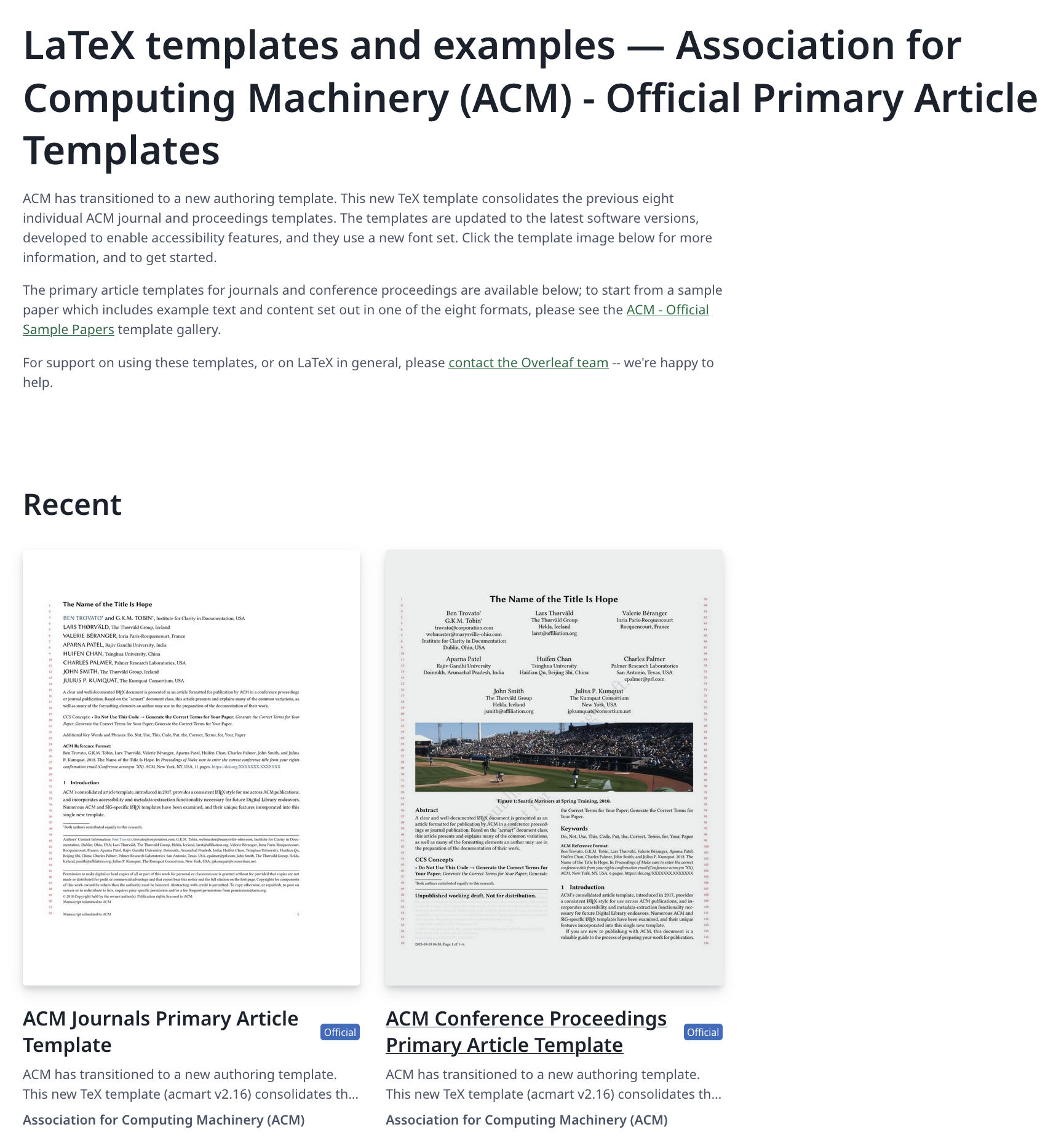
If you are using the LaTeX template, open the “ACM Conference Proceedings Primary Article Template.”
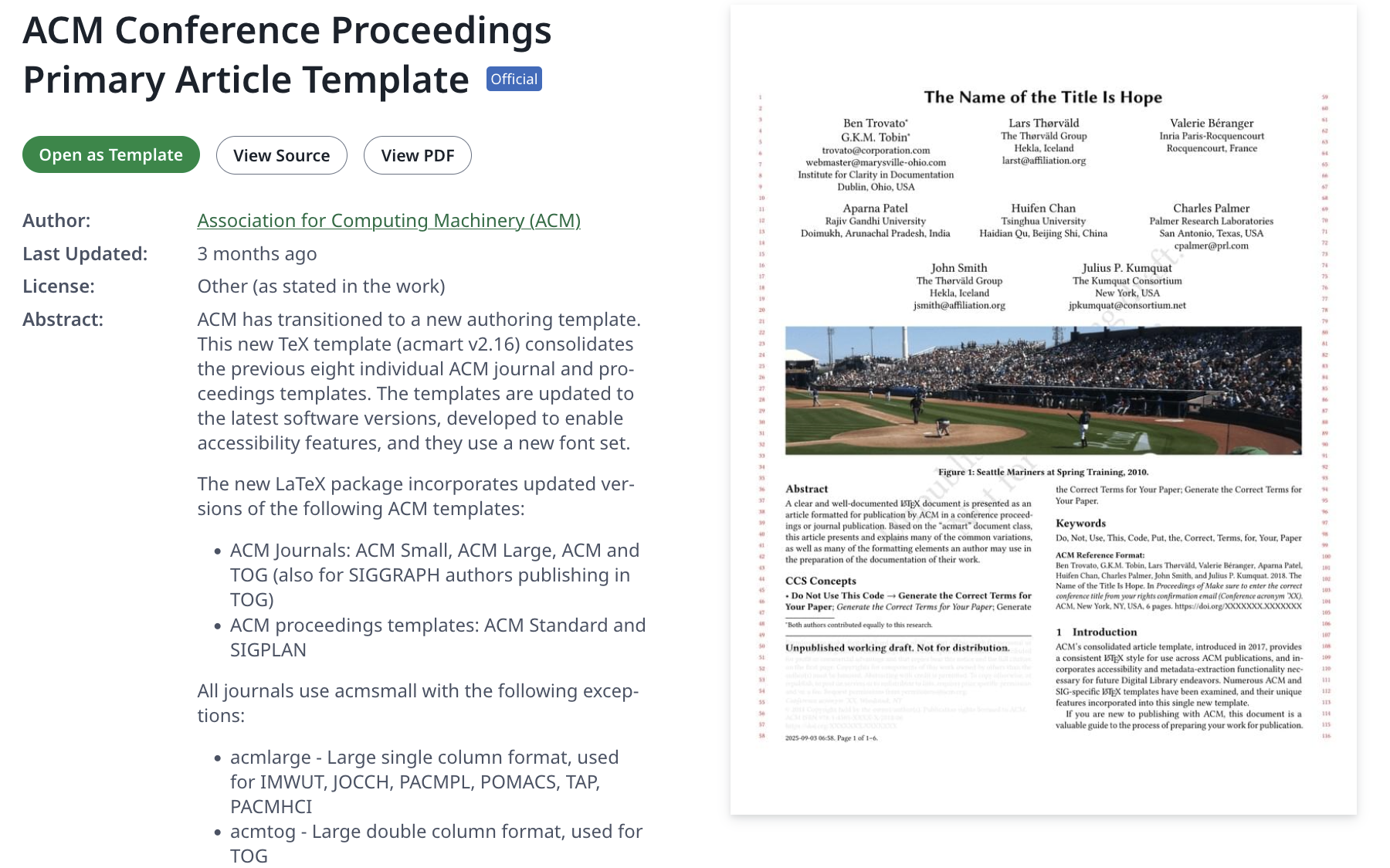
Then, click on “Open as Template” to open it in Overleaf, though you can of course use your LaTeX compiler of choice.
Once you’ve opened your template in Overleaf, navigate to the “sample-sigconf-authordraft.tex” file in the File Tree. This is the main body text file of your project, and you can rename it to something like “main.tex” if you prefer. You can also change the name of the project using the down arrow caret at the top middle, next to what reads “ACM Conference Proceedings Primary Article Template” in the example screenshot below. Note that this does not change the title of your paper, only the title of your file in Overleaf.
For submission you FAccT, you must edit the documentclass command to include manuscript (which makes it a single-column file for submission, rather than the 2-column format for publication once accepted), review (which adds line numbers), and anonymous which anonymizes your submission, though we also recommend not including author names in the LaTeX draft until your camera ready stage, just to be safe. In the screenshot below, we have “commented out” the original \documentclass{} function using a %.
\documentclass[manuscript,screen,review,anonymous]{acmart}
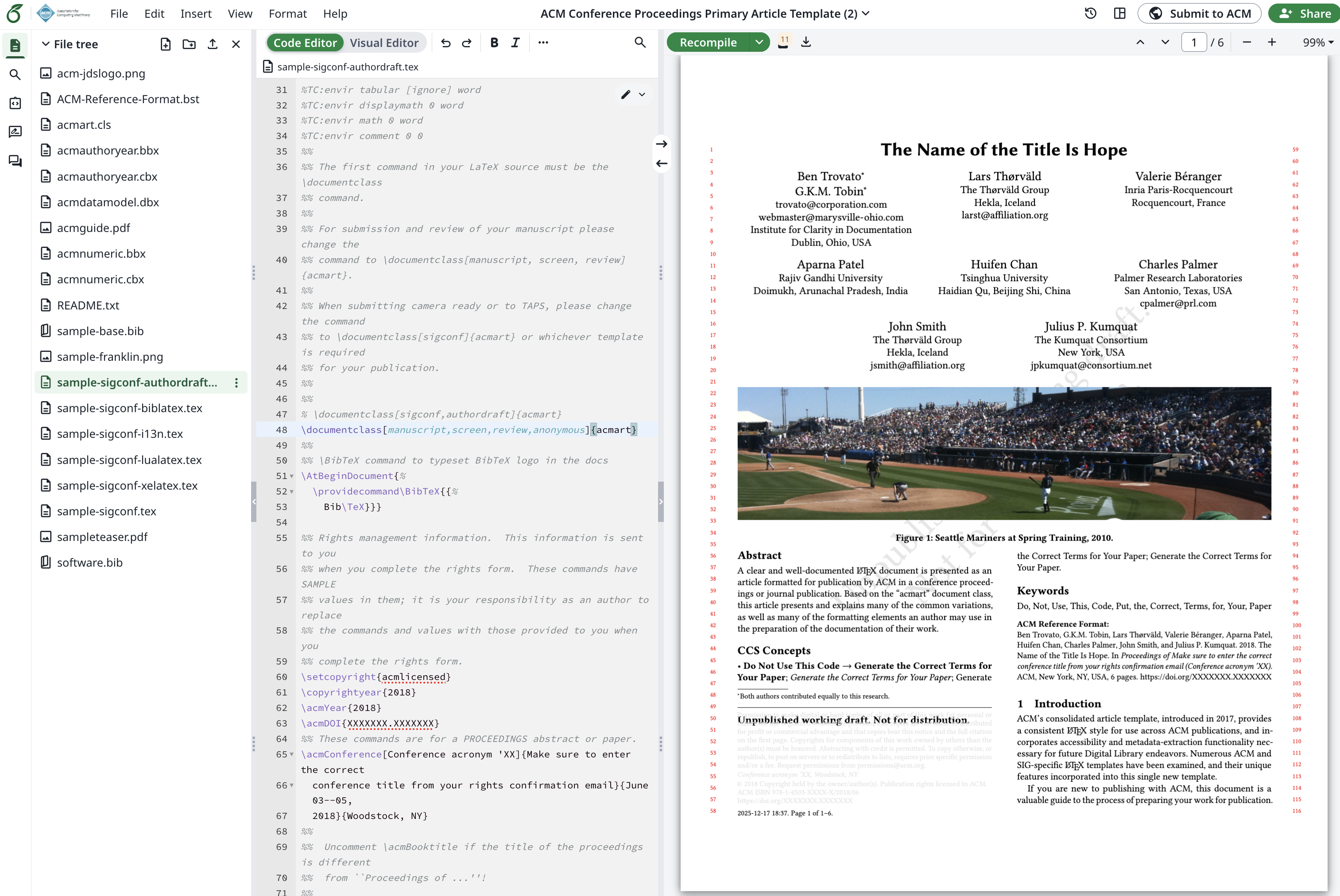
The rest of the template should contain explanations and examples of other parts of using Latex, such as creating \section{} and \subsection{} headers, adding citations using \cite{} (and adding their bibtex entries (such as via Google Scholar > Cite > Bibtex) to the “sample-base.bib” bibliography file, which is called in the main .tex file via the \bibliography{} command, and more.
Remember to “Recompile” to see the results of your changes appear in the pdf displayed in the right hand pane! You can click the down arrow next to that button to download the most recently compiled version of the manuscript, or click on File > Download as PDF.
Submitting the manuscript to OpenReview
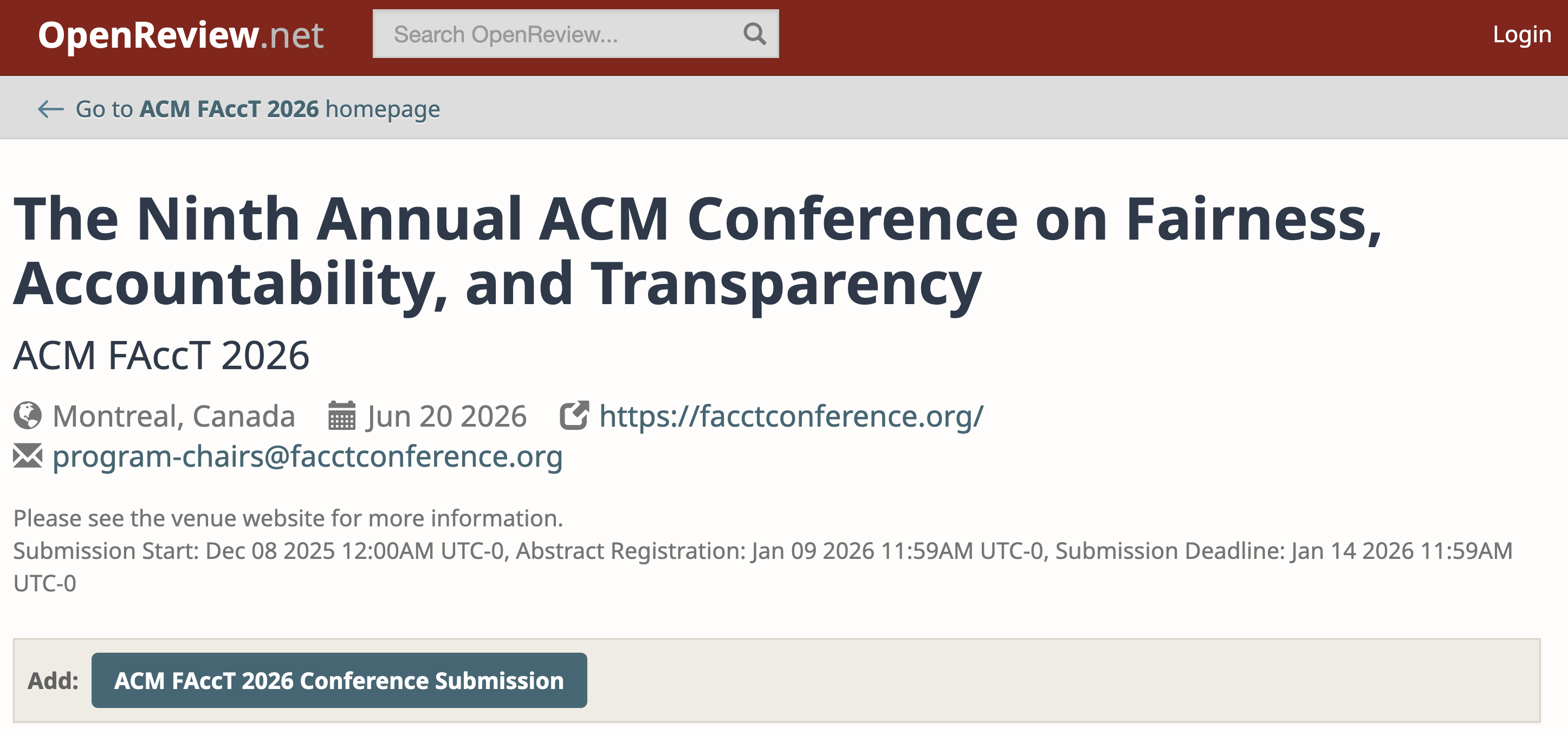
Go to the OpenReview FAccT Submission Page.
Click on “Add ACM FAccT 2026 Conference Submission”.
Fill out the form fields, including:
- Title
- Authors
- Keywords (comma-separate list)
- TL;DR (this 1-sentence summary is nice to have, but not required)
- Abstract (this is due by January 8th, AoE to ensure you are able to submit the paper)
- PDF (this is not due right away, but will need to be added by January 13th, AoE)
- A prompt asking you to update your OpenReview profile with your institutional affiliations and relationships, to avoid Conflicts of Interest.
- Two prompts asking you to select the primary and secondary Focus Areas of your submission, based on the descriptions in the FAccT 2026 CFP, to help us match reviewers to your submission.
- A box confirming that your OpenReview profile is up to date with your institutional affiliations, advisor/advisee relationships, etc, to help manage conflicts of interest
- A box confirming that you have included the Generative AI disclosure statement to your Endmatter in your submission.
- A box confirming that you or another co-author has signed up to review papers (though we may or may not send a reviewer invitation from OpenReview; depending on the reviewer capacity we need).
Until January 8th, you can edit the authors, but note that after this date, edits to the author list are not allowed.
Click Submit! That’s it! You should receive a confirmation email from OpenReview (using the ACM FAccT 2026 alias).